
Company workspaces
Each company sees its own staff, payroll runs and records, with access suited to each person’s role.
 Log in
Payroll & HR, built for Ghana
Import the workbook you already keep. Work out pay, PAYE and SSNIT, review the run, and keep every approval and payslip on record.
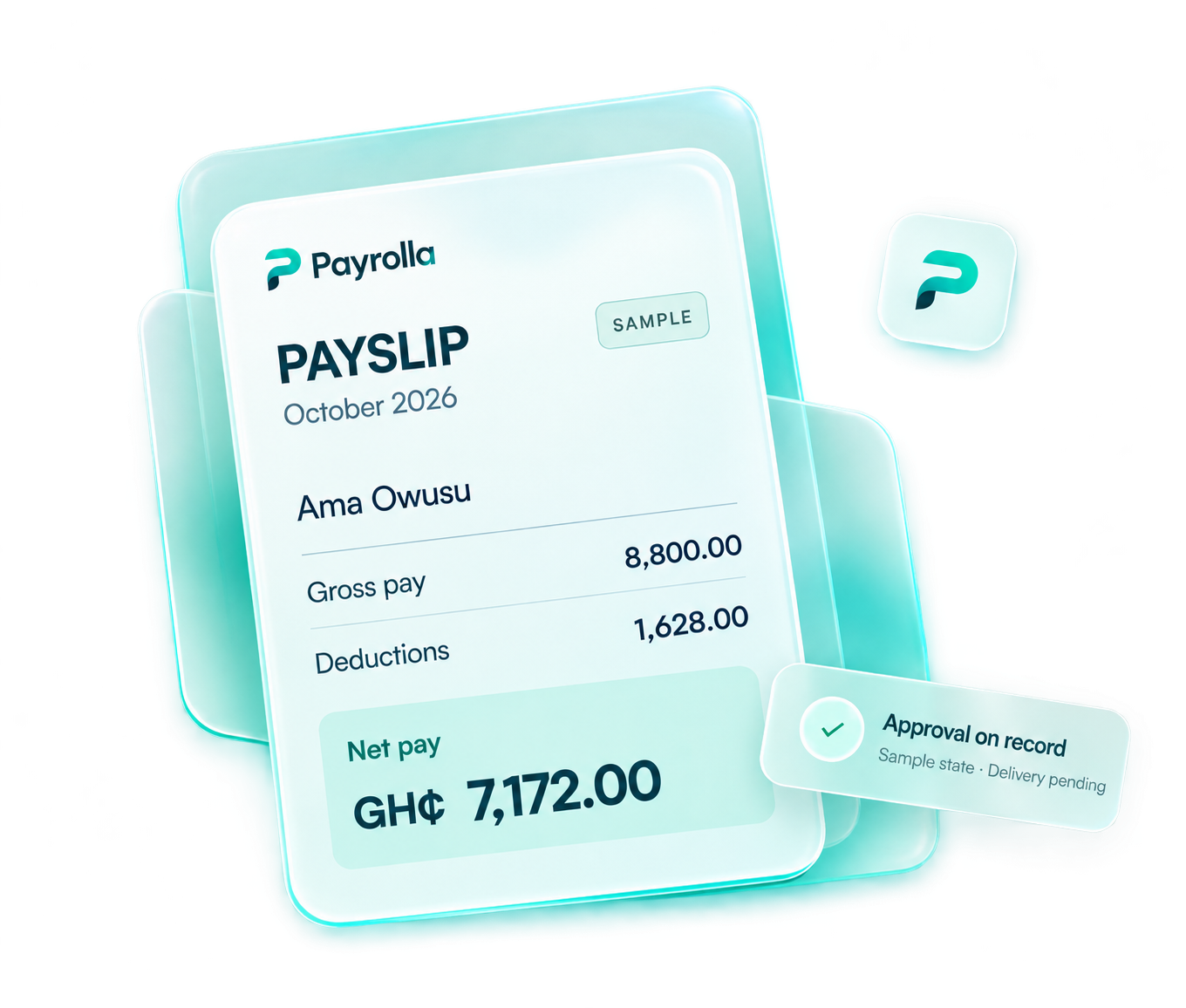
Calculated from the payroll details you bring in.
Approvals, payslips and the decisions behind them.
A clear path to payday
From your first import to the final payslip, each step stays connected to the people behind the numbers.
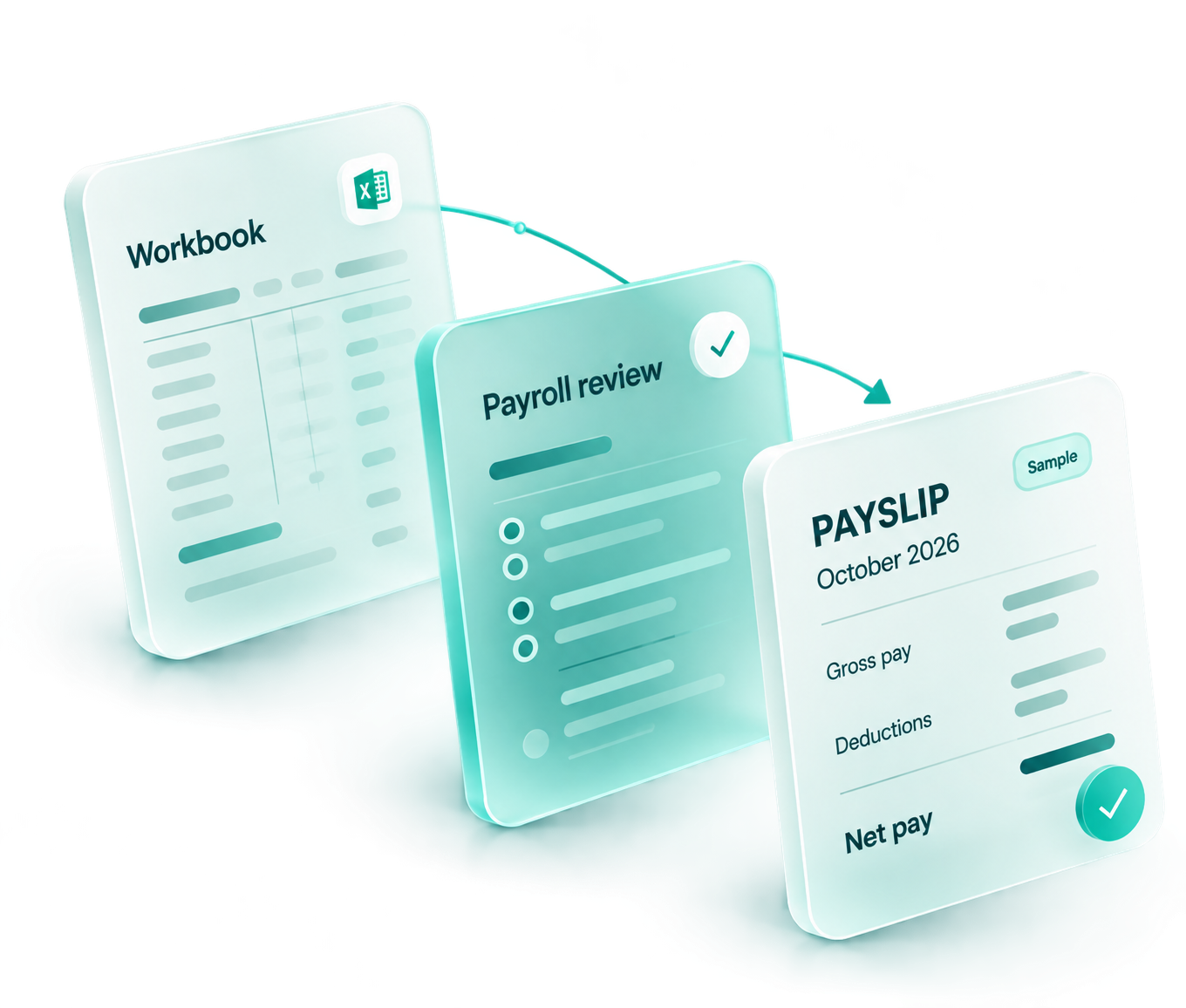
Import your workbook and match the details to your employee roster.
Calculate pay, PAYE, SSNIT and applicable deductions. Review what needs attention.
Review and approve the run. Keep the decision and its audit trail together.
Prepare and send payslips. Follow the delivery result for every recipient.
Illustrative workflow states. Approval records a decision; it does not move money.
Inside your workspace
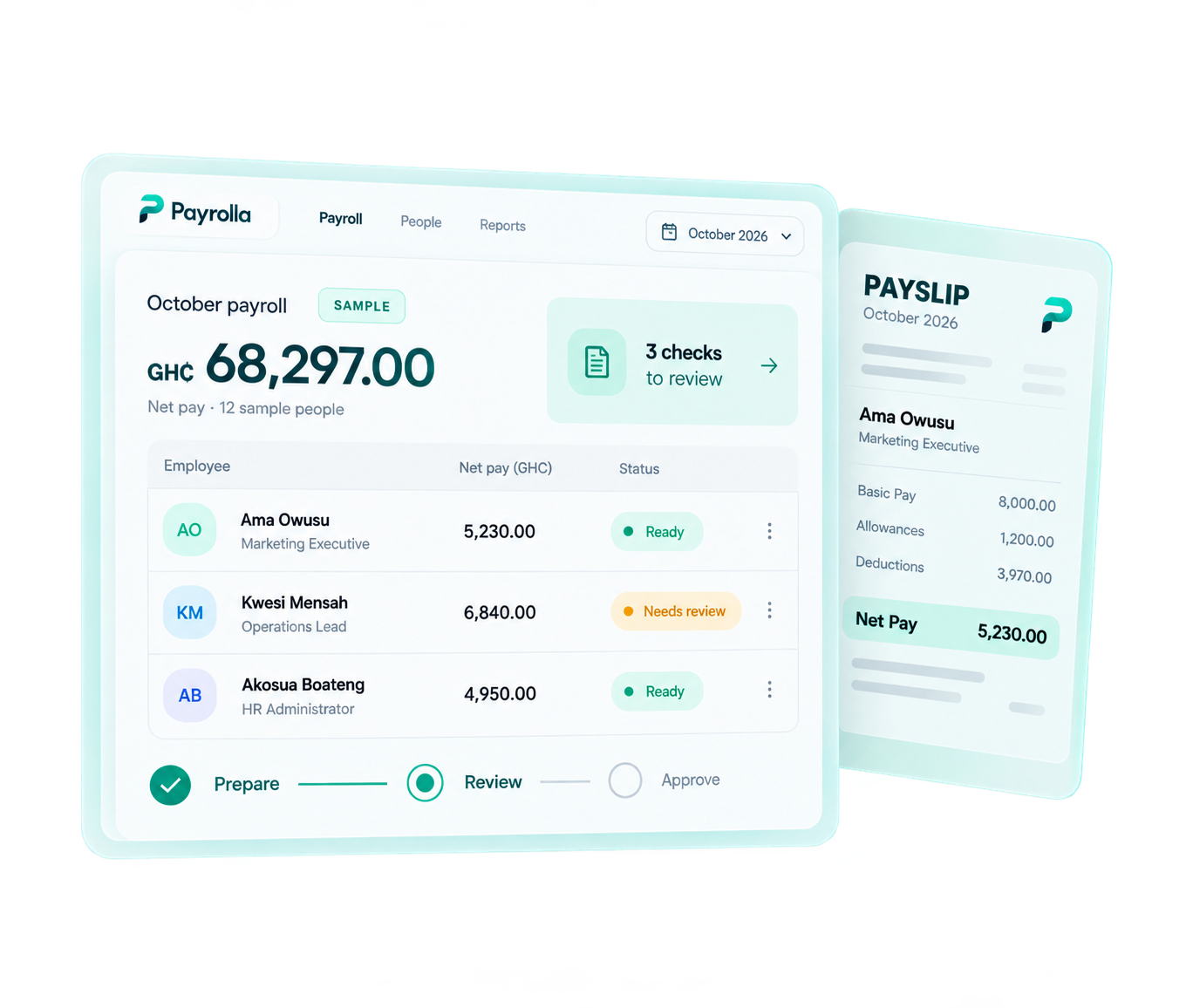
Give each company its own space for people, payroll and records. See where the run stands, what needs attention, and what comes next.
Adom Studio · SampleThree checks to review before approval.
A review decision is recorded. Delivery is a separate step.
Prepare and send payslips after approval. This is an illustration.
Choose a stage above to explore the sample workspace.
A record worth keeping
The context behind each run stays close, so the next question starts with the facts.
Each company sees its own staff, payroll runs and records, with access suited to each person’s role.
Keep sent, failed and unconfirmed results visible, so the next follow-up starts with the facts.
Payroll exports, statutory reports and the decisions behind each run stay close to the work.
Your next payday
Your payroll workspace, ready when you are.
Log in to access your company workspace.
Before you get started
Approval records a review decision and its audit trail. It does not move money. Preparing and sending payslips is a separate step.